Appearance
Browser and Planned Apps
Private beta
The local browser is the supported client for early access. It connects directly to your OmniLux server on your home network.
Private beta: local browser
After an approved OmniLux release is running:
- Open the server's local address in a modern browser.
- Create the local administrator.
- Add the approved read-only library root.
- Scan the library and play a title locally.
Local browser sign-in is direct to the server. An active OmniLux Cloud session or OmniPass subscription is not required for direct LAN playback.
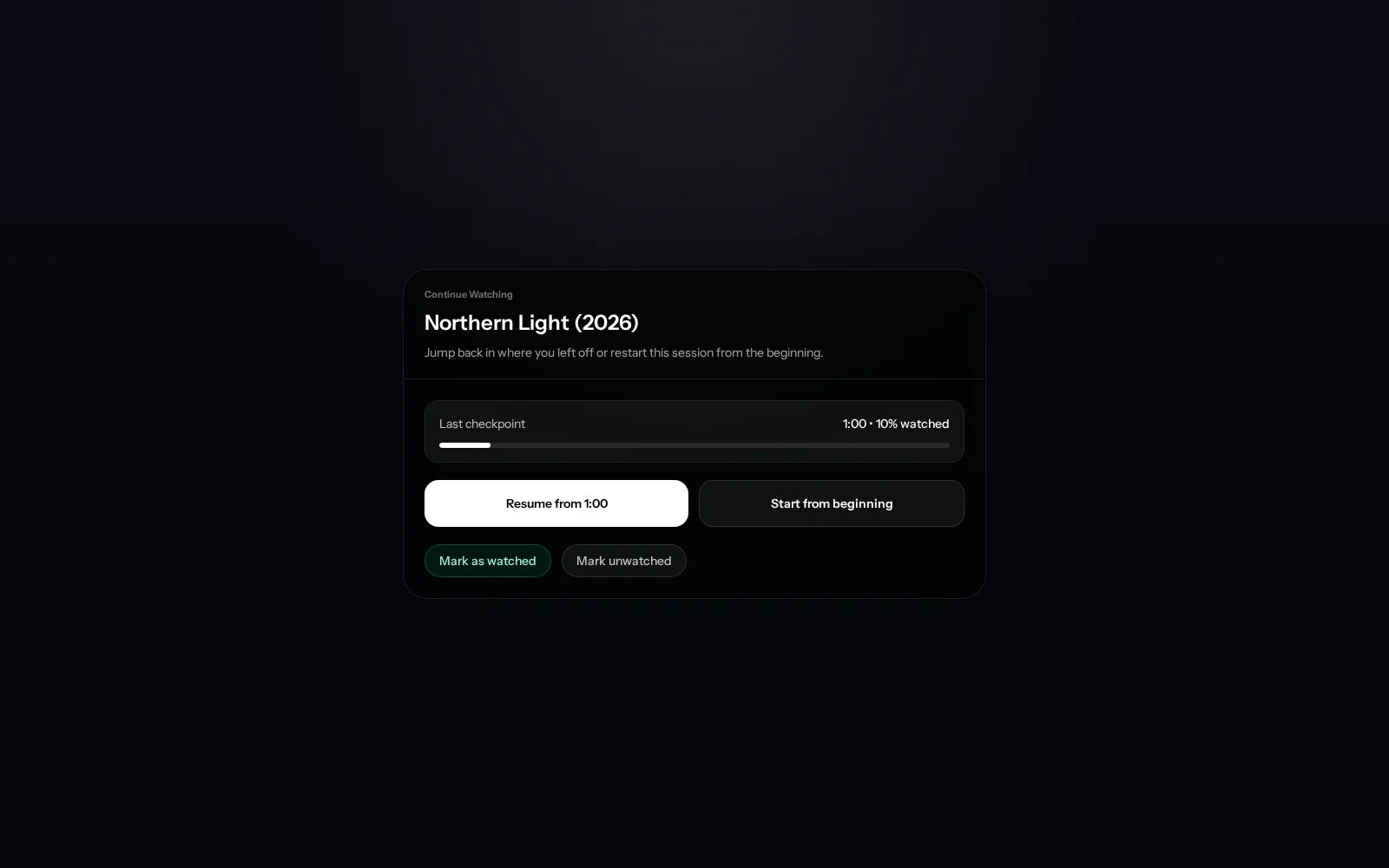
Available: playback-focused browser view
The server includes a playback-focused browser view alongside local administration. It uses the same direct local connection and does not imply that a native client is available.
Private beta: account sign-in after local value
Link an account only when an approved release offers an account-linked feature you want. The recommended order is local setup, read-only scan, first play, then account linking when useful.
Submitting a beta request is a separate action in the signed-in account app. Opening a marketing link does not submit the request by itself.
Planned: phone, tablet, TV, and desktop apps
Native iPhone, iPad, Android, TV, and desktop clients are planned. No native client is promised by the private beta unless a current release notice explicitly names it.
The first native releases will keep the same product model:
- your self-hosted server remains the home of your private library;
- direct local access remains distinct from OmniLux-managed relay; and
- cloud sign-in adds convenience without replacing local ownership.
Unavailable
- Automatic public internet exposure
- A new OmniLux mesh network
- A generally available native phone or TV app
- A generally available OmniLux-managed relay path
For access away from home, begin with a user-managed private network only after local playback is stable.